Tap to Pay

Turn your smartphone into a payment terminal.

Accept secure contactless payments directly on your smartphone — no traditional card terminal required.
Book a Demo
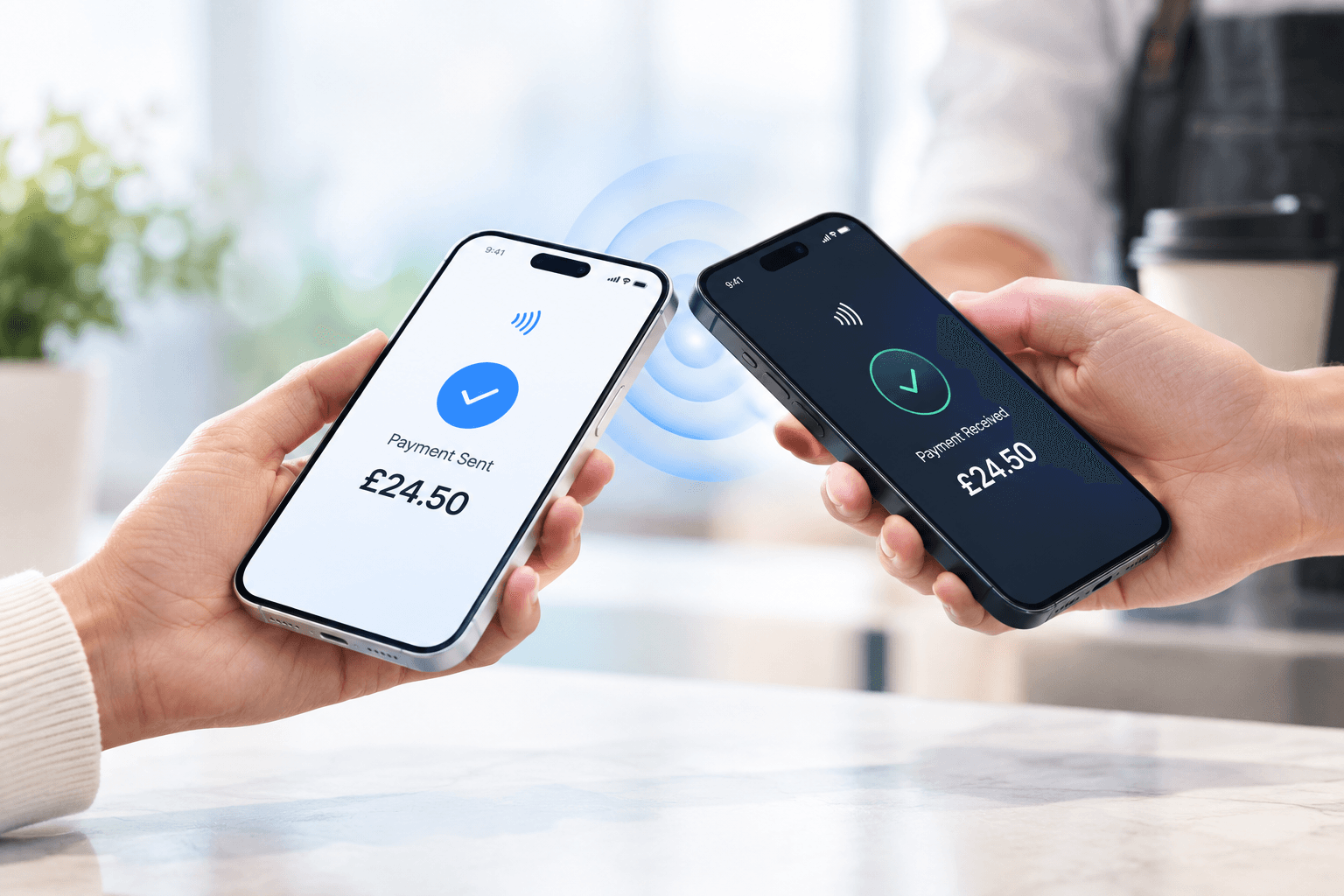
A customer tapping a smartphone against a card reader to pay contactlessly.
How it works

Accept payments in three
simple steps.

Turn your smartphone into a payment terminal and start
accepting contactless payments with ease.

1

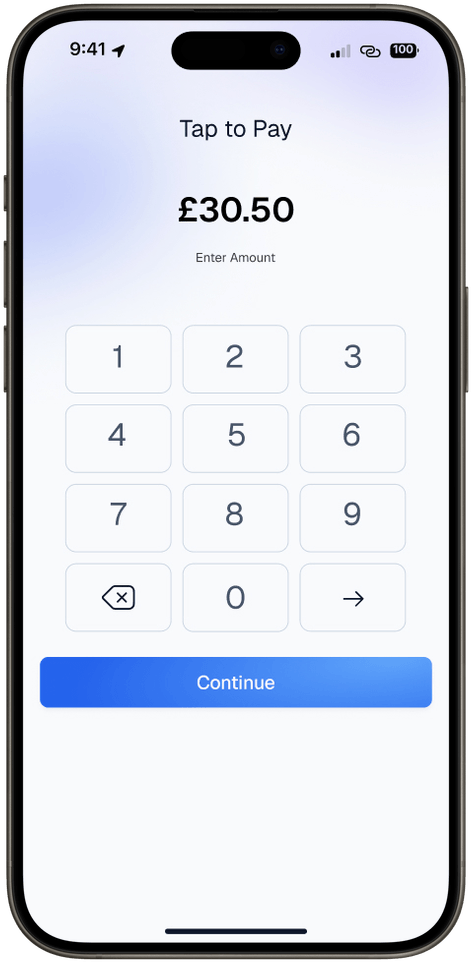
Open Tap to Pay

Start a payment in second Open Cashless
AI Tap to Pay and enter the amount.

A phone showing the Tap to Pay screen with £30.50 entered on its keypad
2

Customer Taps

Let them pay their way.
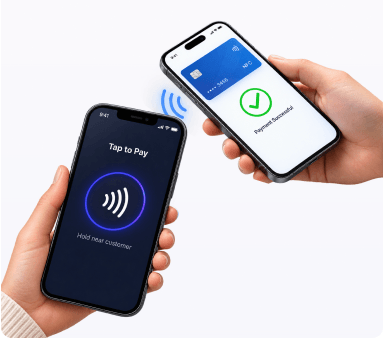
Your customer taps a contactless card,
smartphone, or wearable

A customer tapping a contactless card on a phone running Tap to Pay
3

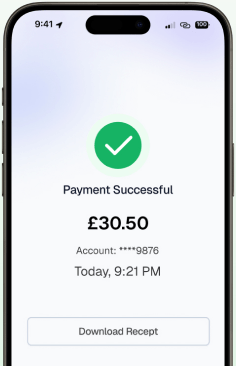
Payment Confirmed

The Payment is processed securely and you
can continue with your business

A phone showing a successful £30.50 payment and a Download Receipt button
FAQ

Frequently Asked
Questions

Everything you need to know about switching to Cashless AI, hardware compatibility, pricing, and setup.

Nope, with offline payments you can accept payments even when your internet service is temporarily unavailable. Any payment you take will automatically be sent through when you regain connectivity. You can get your money the next day as standard for no additional charge or immediately transferred to your bank account for a small fee.

Turn your phone into a secure Tap to Pay terminal in minutes.

Join thousands of UK businesses already saving with Cashless AI